> For the complete documentation index, see [llms.txt](https://beam-docs.theoldcastle.xyz/llms.txt). Markdown versions of documentation pages are available by appending `.md` to page URLs; this page is available as [Markdown](https://beam-docs.theoldcastle.xyz/how-to-start-playing-on-beam-testnet-with-nft-or-usdmc-treasury-token..md).
# How to start playing on Beam Testnet with NFT or $MC - treasury token.
There are two type of players - NFT owners and $MC holders.
## NFT owners
If you are an NFT owner, you can play without any investments. You need to stake NFT in an active Siege, upgrade, and heal to increase abilities to earn more rewards than your teammates. Read more in [Game-Fi Elements](/game-fi-elements.md).
{% content-ref url="/pages/TDOppKDneUCkX9PmD2cG" %}
[Terrible Creatures](/nft/terrible-creatures.md)
{% endcontent-ref %}
{% content-ref url="/pages/BOS4Z1ZCET0NttmahyrU" %}
[Knights Of The Kingdom](/nft/knights-of-the-kingdom.md)
{% endcontent-ref %}
## $MC holders
If you are not an NFT owner, but you have **$MC**. You can stake **$MC** in the Faction's treasury pool and increase its attack power. The more and earlier you stake **$MC**, the more reward you will receive once the Faction wins the Siege. Read more [Investors page](/investors.md).
{% content-ref url="/pages/v9Qt9eiCNcPjVjFQO209" %}
[Investors](/investors.md)
{% endcontent-ref %}
***
## NFT staking
1. Visit the game [website (https://theoldcastle.xyz/)](https://theoldcastle.xyz/);
2. Click "Connect Wallet" in the upper right corner and connect your Wallet:
{% hint style="info" %}
What is a Wallet? Read [here](https://ethereum.org/en/wallets/).
{% endhint %}
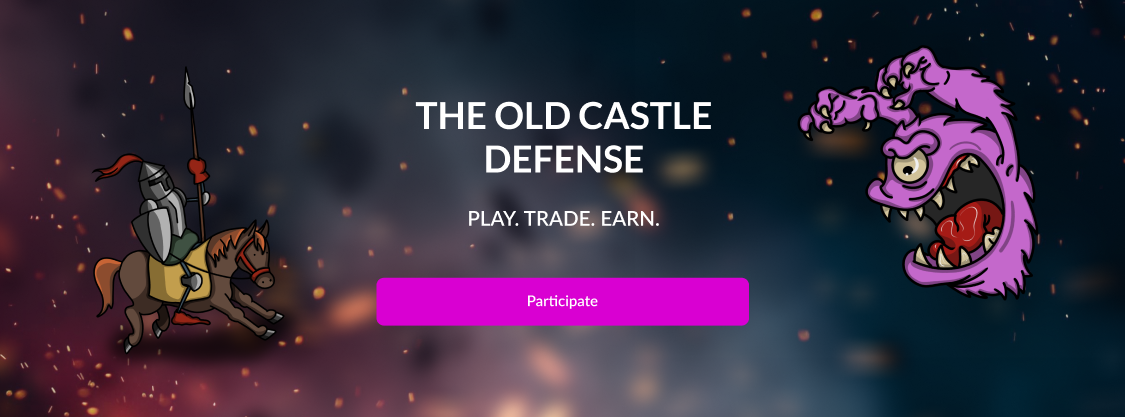
3. When the game is ready to start, you will see the "Participate" button on the Home page. Click to go to the Siege page:
4. Click "**Stake**" on the center of the page:
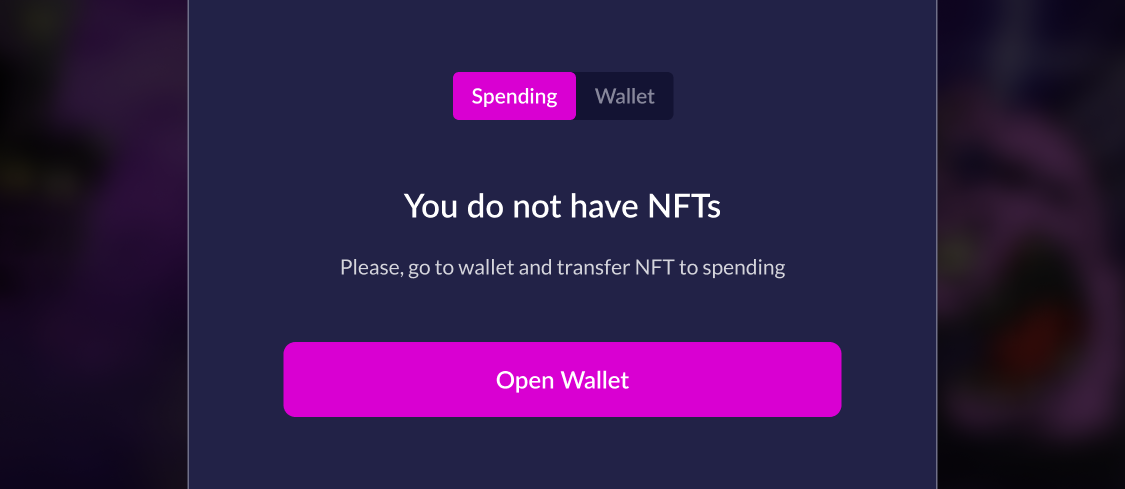
5. You will see a window with tabs "Spending" and "Wallet":
{% hint style="info" %}
If you have NFTs on "Spending" go to step 9.
{% endhint %}
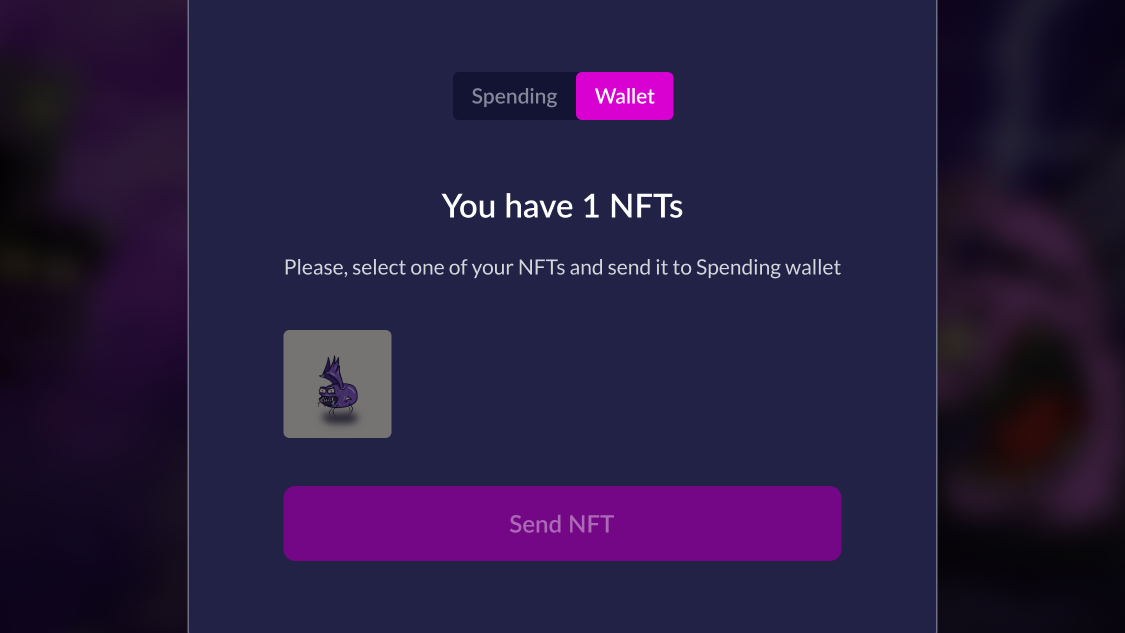
6. Switch to the "Wallet" and select an NFT to send to "Spending". Click "Send NFT":
7. Confirm the transaction on the website and in your wallet;
8. After the transaction is confirmed (1-2 minutes), switch back to Spending;
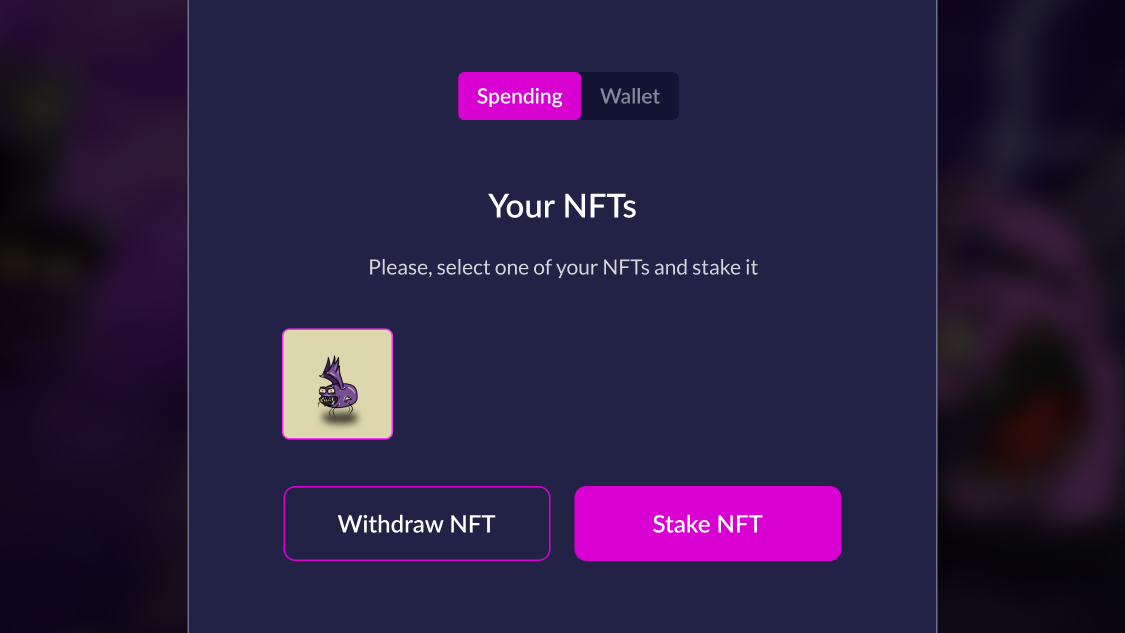
9. Select the NFT to lock it for the duration of the Siege:
**Ready!** The game will start immediately after investing in one of the Factions.